A home office setup is the place, furniture, light, sound and digital tools you use to work or study from home. Most guides treat it as a shopping list. But the setup that helps you focus is less about gear and more about cues: your brain learns what happens in a place, so the right space makes starting easier and distraction harder. This guide shows you how to set up a home workspace for focus, step by step, with what research says about light, noise, clutter and comfort, plus versions for small spaces and shared homes.
Key takeaways
- It's not just discipline, it's environment. Habits are tied to the places where you repeat them, so one consistent work spot helps your brain switch into work mode.
- Daylight matters. In a small study, office workers with windows slept about 46 minutes more per night during the workweek than those without.
- Speech and lyrics distract. A review of 65 studies found that intelligible speech and music with lyrics were the most distracting sounds while reading.
- Brown noise isn't proven for most adults. Noise helped some people with attention problems in studies, but slightly hurt people without them.
- Clear the field of view. Things in sight compete for your attention, so keep only what you need for the current task on the desk.
Why your environment shapes your focus
Habit researchers point out that people tend to repeat the same behaviors in recurring contexts. The place becomes a cue. If you work on the couch where you also watch shows, the couch cues both, which makes it harder to start working. If you have one spot that's only for work, sitting there starts to cue work.
Working from home can go well when the setup supports it. In a randomized experiment at a large call center, employees who volunteered and were randomly assigned to work from home performed 13% better, mostly by working more minutes per shift and partly by handling more calls per minute in a quieter, more convenient environment. A later trial with 1,612 employees found that hybrid work didn't affect performance ratings and cut quit rates by a third. These were specific companies, but they show the outcome depends a lot on how the work and the space are set up.
How to set up a home office for focus: 8 steps
1. Choose one dedicated spot
Pick a single place that's only for focused work, even if it's a corner of a room. Avoid the bed and, if you can, the sofa: they're strong cues for rest. If the bedroom is your only option, put the desk where you can't see the bed while you work, and leave the room or close the laptop completely when you stop.
A small desk you use every day for work is likely to become a stronger cue than a beautiful office you only use sometimes.
2. Work near daylight
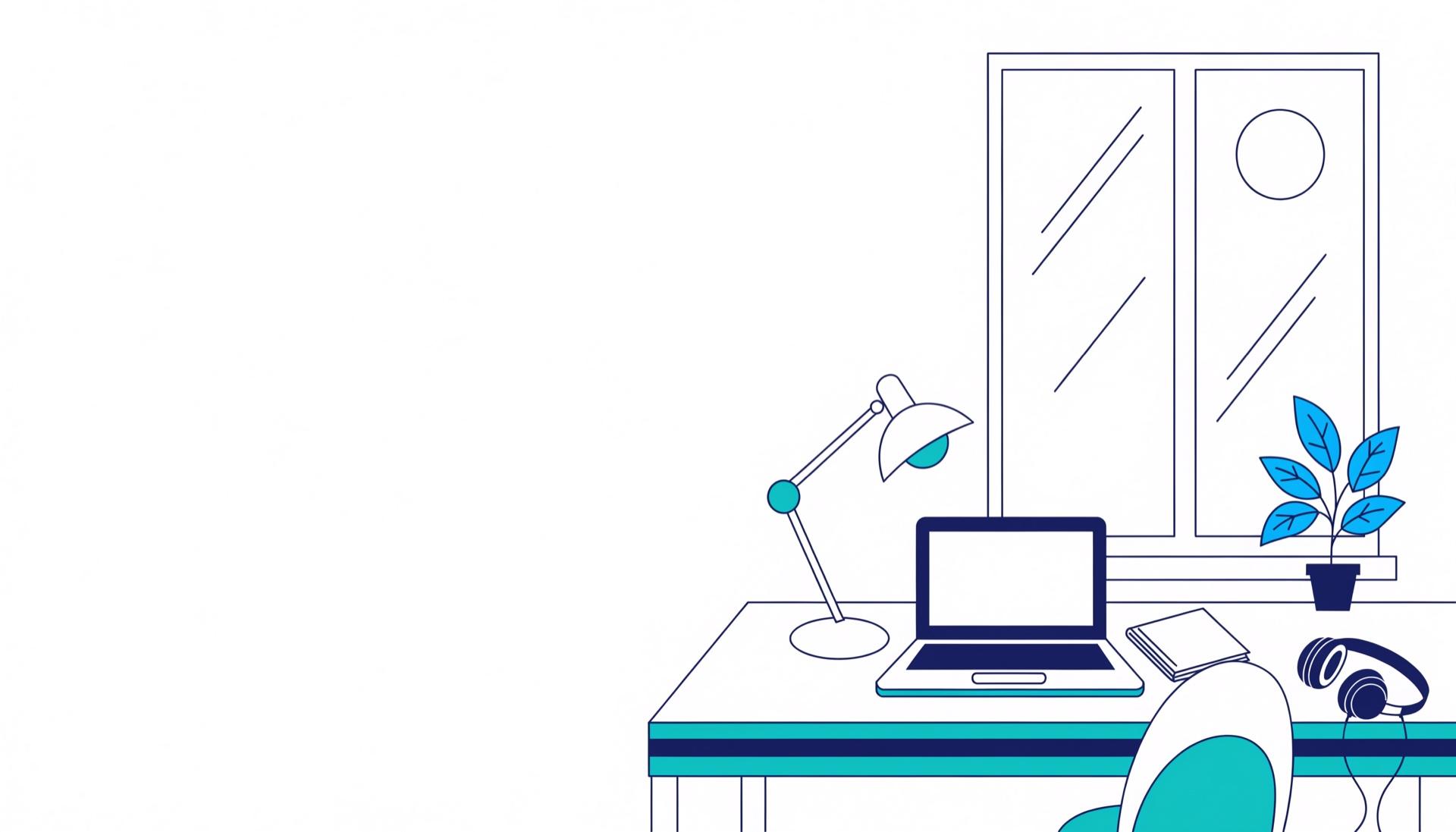
Put your desk near a window if you can, ideally beside it, with the screen at a right angle to the window as OSHA recommends, rather than facing it or with the window behind it. In a pilot study of office workers, those with windows slept an average of 46 minutes more per night during the workweek than those in windowless offices. It was a small study (21 people had their sleep tracked), but daylight is an easy thing to get right.
3. Add good artificial light
On dark days and in the evening, use a desk lamp plus general room light so you're not working in a pool of light surrounded by darkness. In a study of 94 office workers, four weeks under blue-enriched white office lighting improved self-reported alertness, concentration and evening fatigue compared with standard white light. That was office ceiling lighting, not a desk lamp, so treat it as a direction: cooler, brighter light during the working day. Dimmer, warmer light in the evening is a common suggestion, but this study didn't test it.
4. Control sound
Not all noise is equal. A meta-analysis of 65 studies found that background noise, speech and music all have a small but reliable negative effect on reading, and that intelligible speech and music with lyrics were the most distracting. Practical steps:
- For reading and writing, choose quiet or instrumental music.
- Use over-ear headphones or earplugs if you share space.
- Keep background TV and podcasts for tasks that don't need words.
What about brown or white noise? A 2024 meta-analysis found a small benefit of white or pink noise for young people with ADHD or attention problems, but a small negative effect for people without them, and found no studies on brown noise at all. If steady noise helps you, it's fine to use it, especially to mask voices. Just don't expect it to work for everyone.
5. Clear your field of view
What you can see competes for your attention. In brain imaging research, multiple objects in view at the same time compete for neural representation, and paying attention helps resolve that competition in favor of what you focus on. That was a lab study with simple shapes, but the principle is practical: keep only what you need for the current task on the desk, and put the rest in a drawer or out of sight.
Messy desks aren't all bad, though. In one set of experiments, people in an orderly room made healthier snack choices, while people in a messy room came up with more creative ideas. A tidy desk for focused tasks and some freedom for brainstorming is a reasonable compromise.
6. Get the basics of comfort right
A poorly set-up workstation can lead to fatigue, eye strain and neck or back pain. The US Occupational Safety and Health Administration's workstation guide recommends:
- Put the monitor directly in front of you and at least 20 inches away, with the top line of the screen at or below eye level.
- Choose a chair that lets your feet rest flat on the floor or a footrest and supports the curve of your lower back.
Temperature matters too. A review of 24 studies estimated that office work performance is highest at around 22°C (about 71 to 72°F) and declines when it gets warmer, though the effect near that range is small.
7. Bring in a plant
In field experiments in real offices, adding plants to bare "lean" offices led to better outcomes in all three experiments, including workers' perceived air quality, concentration and workplace satisfaction, plus measures of productivity. A plant is cheap and makes a space feel like somewhere you want to sit.
8. Set up your digital workspace
Your screen is part of your environment. Before you start:
- Close every tab and app you don't need for the current task.
- Turn on a focus mode that silences nonessential notifications.
- Put your phone in another room or a drawer. The idea that a phone on the desk "drains" your brain has weak support: a 2024 meta-analysis (56 results from 27 studies) found a small negative effect on working memory and no clear effect on other mental abilities. But a phone out of reach is a phone you can't pick up. Our guide on how to break phone addiction covers more ways to reduce phone checking.
If you want to set up devices, apps and communication rules more thoroughly, The Digital Boundary Setup System is our guide to the digital side of your workspace.
Entry and exit rituals
A short, repeated routine can become a cue that the workday has started or ended, the same way places become cues for habits. That matters even more when home and work share the same walls.
- Entry: same small sequence every time, for example fill your water, open only today's task, put headphones on.
- Exit: write tomorrow's first task, close every app, put the laptop away or cover it, and leave the room.
Our free Deep Work Session Setup checklist turns the entry ritual into a short routine, and our guide on how to enter a flow state shows how to use it for longer focus sessions.
Home office setup checklist
| Area | What to do | Why |
| Place | One spot used only for work, not the bed | Places become cues for habits |
| Daylight | Desk near a window, screen at a right angle to it | Linked to better sleep in a small study; OSHA screen guidance |
| Lamp | Cool, bright light during the working day | Blue-enriched daytime light improved self-reported alertness |
| Sound | Quiet or instrumental for reading, headphones for voices | Speech and lyrics distract most |
| Desk | Only what you need for the current task | Objects in view compete for attention |
| Comfort | Screen at or below eye level, at least 20 inches away; feet flat | OSHA workstation guidance |
| Temperature | Around 71 to 72°F if you can control it | Small performance effect |
| Digital | One task open, focus mode on, phone out of reach | Fewer cues to switch |
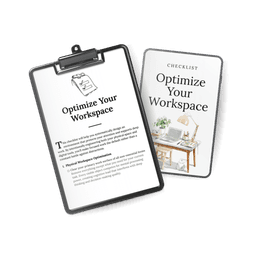
Our free Optimize Your Workspace checklist walks you through these steps, and Creating Focus Environment is our full guide to decluttering, lighting, sound, ergonomics and keeping the space working week after week.
If you have a small space or share your home
- No spare room: a folding desk or a fixed corner of the kitchen table works if you use it only for work during work hours. Pack it away at the end of the day.
- Shared space: agree on quiet hours or signals with the people you live with, like headphones on means "not now".
- Studying: the same rules apply. A library or quiet café can be your "dedicated spot" if home doesn't work.
- Bedroom only: face away from the bed, keep work things in one box or drawer, and put them away every evening so the room can go back to being for sleep.
If your focus problem is less about the room and more about what pulls you away, our guide on how to stay focused helps you find what's stealing your attention.
Frequently asked questions
What is the best home office setup for productivity?
One dedicated spot, a desk near daylight, a screen at or below eye level, quiet or instrumental sound, only today's task on the desk and on screen, and your phone out of reach. Gear matters less than using the same spot consistently.
Is it bad to work from your bedroom?
It's not ideal, because the bedroom is a strong cue for rest. If it's your only option, face away from the bed, use a desk instead of the bed, and put everything away at the end of the day.
Does brown noise help you focus?
There's little research on brown noise. Studies on white and pink noise found a small benefit on lab attention tasks for children and young adults with ADHD or attention problems, and a small negative effect for those without. Try it, and keep it if it helps you.
Is a messy desk bad for focus?
For focused tasks, fewer objects in view means fewer things competing for attention. One study found a messy room may help creative brainstorming, so a tidy desk for deep work and some freedom for ideas is a good balance.
What lighting is best for a home office?
Daylight from the side, with the screen at a right angle to the window, plus cool, bright light during the working day. Many people also prefer warmer, dimmer light in the evening.
What temperature is best for working?
A review of office studies estimated that performance is highest at around 71 to 72°F, but the effect is small. Aim for a temperature where you don't notice it.
How we put this guide together
This guide was written with AI assistance and edited by the AllMyGuides team. None of us is an ergonomist or occupational health specialist. We started from the questions people ask about setting up a home office and what remote workers say helps them focus. Then we checked each claim against peer-reviewed studies, meta-analyses and OSHA guidance. We opened every source linked above and confirmed that it says what we report (for some studies only the abstract was publicly available). Many of these studies are small or done in labs and offices, not homes, so we treat their numbers as estimates. Last checked: November 2026.