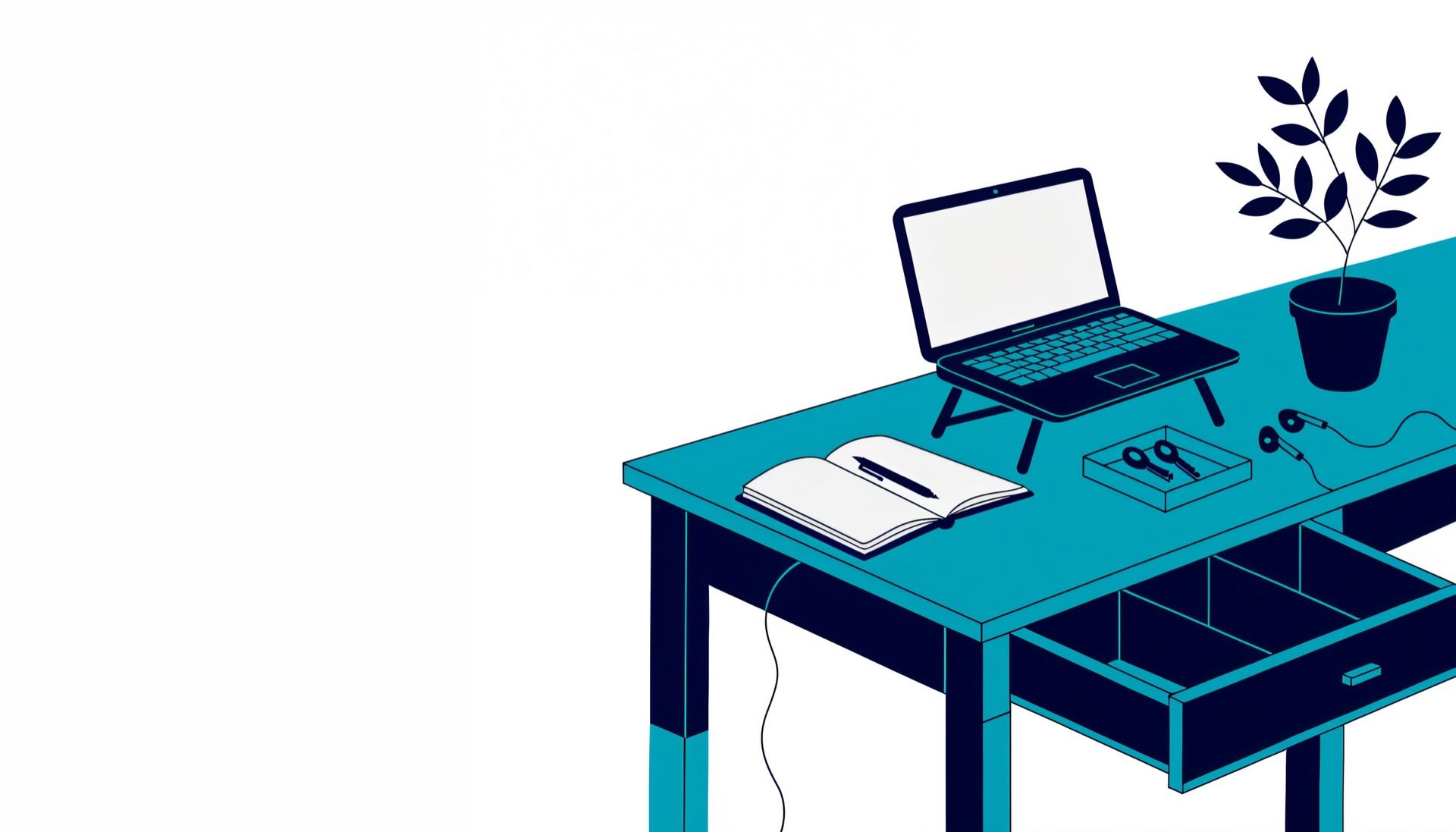
Desk organization ideas are simple ways to give everything on and around your desk a set place, so you can find what you need, start work faster and clear up in minutes. Most of them cost nothing.
Think of a cutlery drawer. Forks go in one slot, spoons in the next, and you grab the right one without looking. Nobody calls that drawer beautiful, but it works every single day. A well organized desk is the same: every item has a slot, and your hands learn where it is.
The short version
- Sort your things by how often you use them, not by what they are.
- Daily items within arm's reach, weekly items in a drawer, the rest out of sight.
- Give paper one inbox and cables one path.
- End each day with a two-minute reset.
- Buy organizers last, once you know what needs a home.
Start with three zones
Before any idea on this list, sort what you own into three groups.
| Zone | What goes there | Examples |
| Arm's reach | Things you use every day | Laptop, one pen, notepad, water, headphones |
| Drawer or shelf | Things you use every week | Charger, sticky notes, stapler, spare pens |
| Out of sight | Things you use once a month or less | Old notebooks, spare cables, manuals, extra paper |
If you're setting up a new spot from scratch, our guide to a home office setup covers choosing the place and the chair. This article is about what happens on the desk itself.
30 desk organization ideas
On the desk surface
- Keep one pen, not ten. Put the rest in a drawer. You only write with one at a time.
- Pick a landing spot. A small tray or plate for keys, phone and earbuds, so they stop wandering.
- Leave a clear rectangle. Keep a space the size of a sheet of paper empty in front of you for writing.
- Go up, not out. A small shelf or stand lifts things off the surface and frees space underneath.
- Use a desk mat. It marks the work area, so clutter has a clear edge to stay outside of.
Drawers
- Divide every drawer. Small boxes or old containers stop things from sliding into one pile.
- One drawer, one job. Top drawer for supplies, next one for tech, last one for paper.
- Put the most used item at the front. You should be able to grab it without opening the drawer all the way.
- Label the inside of the lid or the front. A bit of tape and a word is enough.
- Empty one drawer a month. Tip it out, keep what you used, and the rest finds a new home.
Paper and notes
- Have one inbox. Every new piece of paper goes in one tray. Nowhere else.
- Clear the inbox once a week. Act on it, file it or recycle it.
- Stick notes in one place only. The edge of the screen covered in yellow squares is easy to stop seeing.
- Use one running notebook. Date each page, and loose scraps stop piling up.
- Snap a photo, then recycle. Receipts and handouts you only need to look up later can live on your phone.
Cables and tech
- Give cables one path. Run them down one leg of the desk with a couple of clips or ties.
- Put the power strip under the desk. Stick it to the underside so it stays off the floor.
- Make a charging corner. One spot where every device charges, so you always know where they are.
- Label plugs. A small tag on each cable saves you from guessing which one to pull.
- Tidy the screen too. Clear the desktop of files and close the tabs you're not using today.
Small desks
- Use the wall. A pegboard, a rail or a couple of hooks hold what doesn't fit on the surface.
- Add a rolling cart. It parks next to the desk while you work and slides away after.
- Go wireless where you can. Fewer cables means more room.
- Use a laptop stand. Your keyboard and notepad fit underneath when the screen is raised.
- Pack it away at night. On a shared table, keep everything in one box or basket you can lift off.
At work or in a shared office
- Keep a small personal kit. A pouch with a pen, charger, lip balm and snacks that moves with you.
- Use a single tray for things to hand back. Borrowed items go there until you return them.
- Keep one thing that's yours. A plant or a photo makes the desk feel like your spot without filling it.
- Clear the desk before you leave. On hot-desking days, that's often the rule anyway.
- Write tomorrow's first task on a note. Leave it in the clear rectangle, so the morning starts with a plan.
A minimalist desk setup
If you like a very clean look, try the "five things" rule. Only five items live on the desk: for example, screen, keyboard, lamp, notebook and pen. Everything else comes out when needed and goes back after. The goal is a desk that helps you start, not one that looks empty in photos.
The two-minute reset
Keeping it tidy comes down to a short routine at the end of the day:
- Put the day's items back in their zone.
- Drop loose paper in the inbox.
- Wipe the clear rectangle.
- Write tomorrow's first task on a note.
Once a week, give it a little more time. A Sunday reset is a good moment to empty the inbox and check one drawer.
What to skip
- Buying organizers first. You'll end up organizing things you should have let go.
- Hiding everything. If you can't see your notebook, you might forget to use it.
- A full makeover in one go. One zone a day is easier to keep up.
How to start today
- Take everything off the surface and sort it into the three zones.
- Put back only the arm's reach items.
- Pick one drawer and give it one job.
- Set a reminder for a two-minute reset at the end of the day.
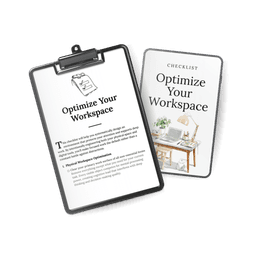
Want a checklist to go with it? Our free Optimize Your Workspace checklist walks you through clearing distractions from your space one step at a time. For the full picture, Creating Focus Environment covers organizing your space, light and sound, a comfortable setup and simple routines to keep it that way. And if a clear desk still doesn't help you settle in, our tips on how to stay focused pick up from there.
FAQ
How do I organize my desk with no drawers?
Use the wall and the space under the desk: a shelf, a pegboard, hooks and a rolling cart. Keep one small box on the surface for the bits you use every day.
How often should I clean my desk?
A two-minute reset every evening and a longer tidy once a week works for most people.
What should be on a desk at all times?
Only the things you use every day. For many people that's a screen, a notepad, a pen and a drink.
About this guide
Written with AI assistance and edited by the AllMyGuides team. Everyday tips, not professional advice.