How to write a professional email: use a clear subject line, a polite greeting, one short sentence on why you're writing, the details in a few short paragraphs, a clear ask, and a friendly sign-off with your name. Keep it short enough to read on a phone.
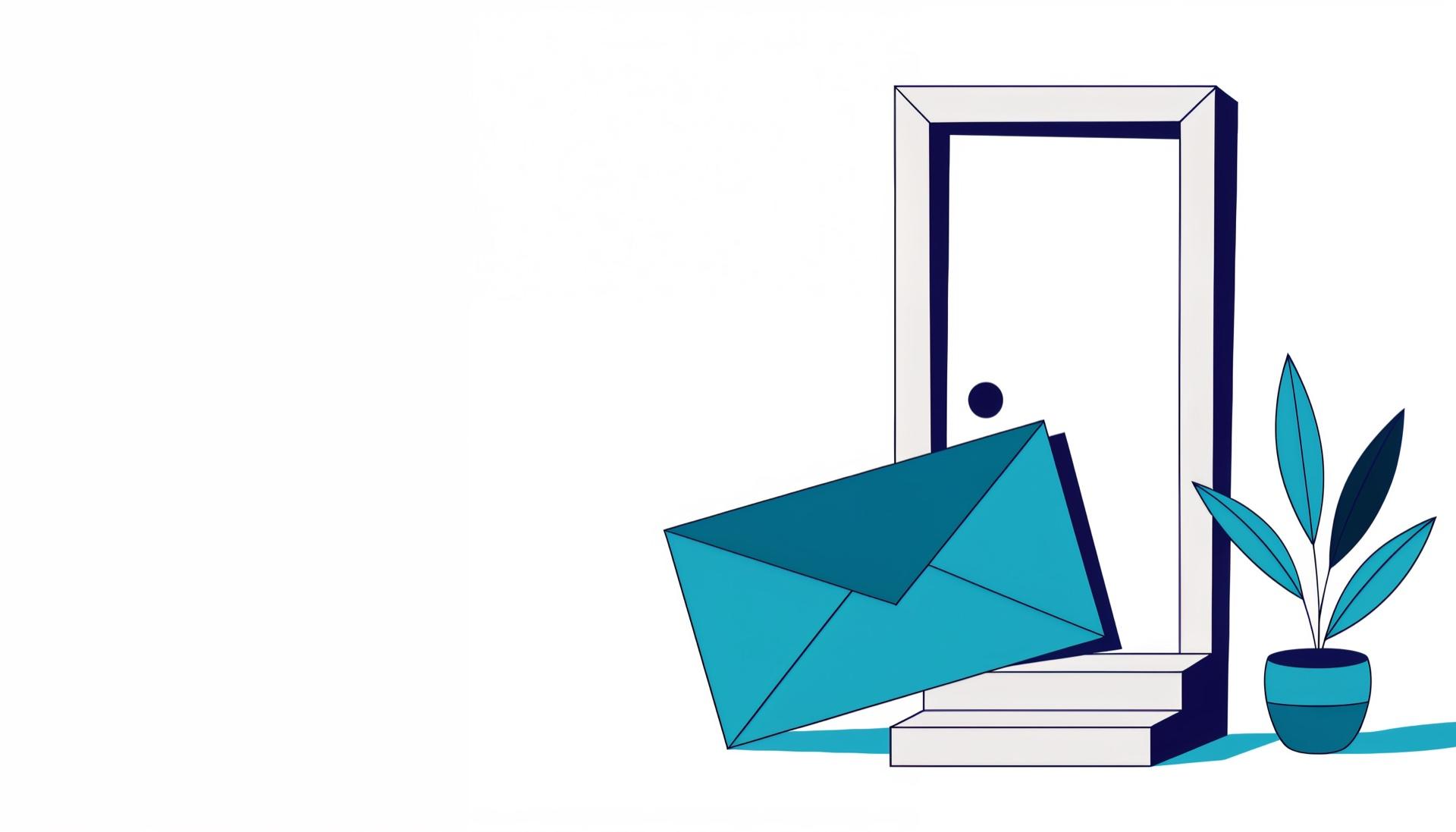
Think of knocking on someone's door. You knock (the subject line), say hello and who you are (the greeting), explain why you came (the purpose), say what you need (the ask), and then say goodbye and leave (the sign-off). Nobody likes a visitor who rambles on the doorstep. A good email gets to the point, kindly.
The short version
- Write a subject line that says what the email is about.
- Put the main point in the first two sentences.
- One topic per email, three short paragraphs at most.
- End with a clear next step and a simple sign-off.
- Read it once out loud before you send.
The parts of a professional email
| Part | What it does | Example |
| Subject line | Tells them what it's about | "Question about the March report" |
| Greeting | Says hello, politely | "Hi Maria," |
| Opening line | Says why you're writing | "I'm writing about the numbers in section 2." |
| Body | Gives the details | Two or three short paragraphs or a short list |
| Ask | Says what you need and by when | "Could you confirm by Thursday?" |
| Sign-off | Closes politely | "Thanks, Sam" |
Write a clear subject line
Most people decide whether to open an email from the subject line. Make it specific:
- Instead of "Question," write "Question about Friday's client call."
- Instead of "Update," write "Website launch moved to May 12."
- If you need something, say so: "Approval needed: new logo by Wednesday."
How to start an email
Email greetings
- "Hi [Name]," works for most work emails.
- "Hello [Name]," is a little more formal.
- "Dear [Name]," suits formal emails, job applications and first contact.
- "Hi everyone," or "Hi team," for groups.
Skip "To whom it may concern" when you can find a name, and avoid "Hey" with people you don't know well.
First lines that work
- "I'm writing to ask about…"
- "Following up on our call yesterday,…"
- "Quick question about…"
- "Thanks for sending the files. I have one question."
- "[Name] suggested I reach out to you about…"
"I hope this email finds you well" is fine once, but it's not needed. Getting to the point is a kindness.
Write the body
- One email, one topic. Two topics? Send two emails, so each one gets answered.
- Short paragraphs. Two to three sentences each.
- Use a list for steps, options or several questions.
- Be specific about dates. "By Thursday at noon" beats "soon."
- Bold sparingly. One key deadline, not every other word.
How to end an email
Closing lines
- "Could you let me know by Friday?"
- "Happy to talk this through on a call if that's easier."
- "Let me know if you have any questions."
- "Thanks in advance for your help."
Professional email sign-offs
- "Best," or "Best regards," safe for almost anything.
- "Thanks," or "Thank you," when you've asked for something.
- "Kind regards," a touch more formal.
- "Sincerely," for formal letters and applications.
- "Talk soon," for people you work with closely.
Add a simple signature with your name, role and one way to reach you.
Professional email examples
Asking for something
Subject: Feedback on the draft by Thursday?
Hi Alex,
I've attached the first draft of the onboarding guide. Could you look over sections 2 and 3 and send any comments by Thursday? A few quick notes are perfect.
Thanks,
Jordan
Following up
Subject: Following up: website quote
Hi Ms. Lee,
I wanted to follow up on my email from last week about the website quote. Are you still interested in moving ahead? I'm happy to answer any questions.
Best regards,
Sam Patel
Introducing yourself
Subject: Introduction from Dana at Brightside
Hello Mr. Ortiz,
Priya Shah suggested I get in touch. I lead events at Brightside, and we're planning a workshop series this spring. Would you be open to a short call next week to talk about a possible partnership?
Kind regards,
Dana Kim
These are examples we wrote to show the shape. For specific situations, see our guides to the thank-you email after an interview, the out of office message and cover letter examples.
Email etiquette: quick checklist
- Is the name spelled right?
- Is the attachment actually attached?
- Would this make sense if forwarded to someone else?
- Is "Reply all" really needed?
- Did you read it once out loud?
How to start today
- Open the next email you need to send.
- Rewrite the subject line so it says what the email is about.
- Move your main point to the first two sentences.
- End with a clear ask and a simple sign-off.
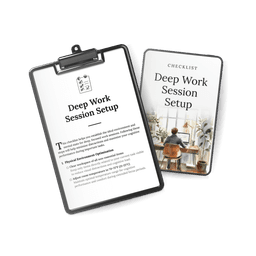
Writing emails is easier in focused batches instead of all day long. Our free Deep Work Session Setup checklist helps you set up those focused blocks. And if email is eating your week, Reclaim 15 Hours of Your Time Each Week shows how to win that time back.
FAQ
How long should a professional email be?
Short enough to read without scrolling on a phone. Three short paragraphs is a good limit.
Is "Hi" too casual for work?
No. "Hi [Name]," is normal in most workplaces. Use "Dear" for formal or first-contact emails.
Can I use emojis in work emails?
With close teammates who use them, sometimes. With clients and new contacts, skip them.
About this guide
Written with AI assistance and edited by the AllMyGuides team. Everyday tips, not professional advice.